

Per-Source Permissions
New in 4.0
Permissions in 4.0 are scoped per-source. A user can be admin on one source, read-only on another, and blocked from a third. Admin-managed Users and a dedicated Users page round out the access model.
Overview
Each source is its own permission domain. Resources that belong to a source (nodes, messages, telemetry, traceroutes, schedulers, auto-responder, packet monitor, etc.) inherit that source's access rules.
Global resources (themes, language, global settings, user management) are governed by separate global permissions.
Permission model
Each row in the permissions table grants a user a set of action flags on a resource, optionally scoped to a source. The flags stored in the database are:
| Flag | Meaning |
|---|---|
canRead | View data for that resource |
canWrite | Send messages, edit settings, trigger actions |
canViewOnMap | See a node / channel on the map (independent of canRead) |
canDelete | Delete messages or resource rows (PostgreSQL / MySQL only — SQLite treats canWrite as delete-eligible) |
Resources cover per-source items like messages, nodes, channels, schedulers, and admin-command surfaces, plus global items like users, settings, audit log, and system backup. When a resource is source-scoped, the row also carries a sourceId so the same user can have different rights on different sources.
MeshCore map positions honor canViewOnMap (4.14.1)
MeshCore contact positions used to be returned to anyone with nodes read access. They now require canViewOnMap on that source, matching how Meshtastic nodes have always behaved — so a user granted read-only access can see the contact list without learning where those nodes are. Existing users are backfilled on upgrade: anyone who already had nodes read on a MeshCore source keeps map visibility, so nothing disappears for current accounts. New grants must set the flag explicitly.
Users page
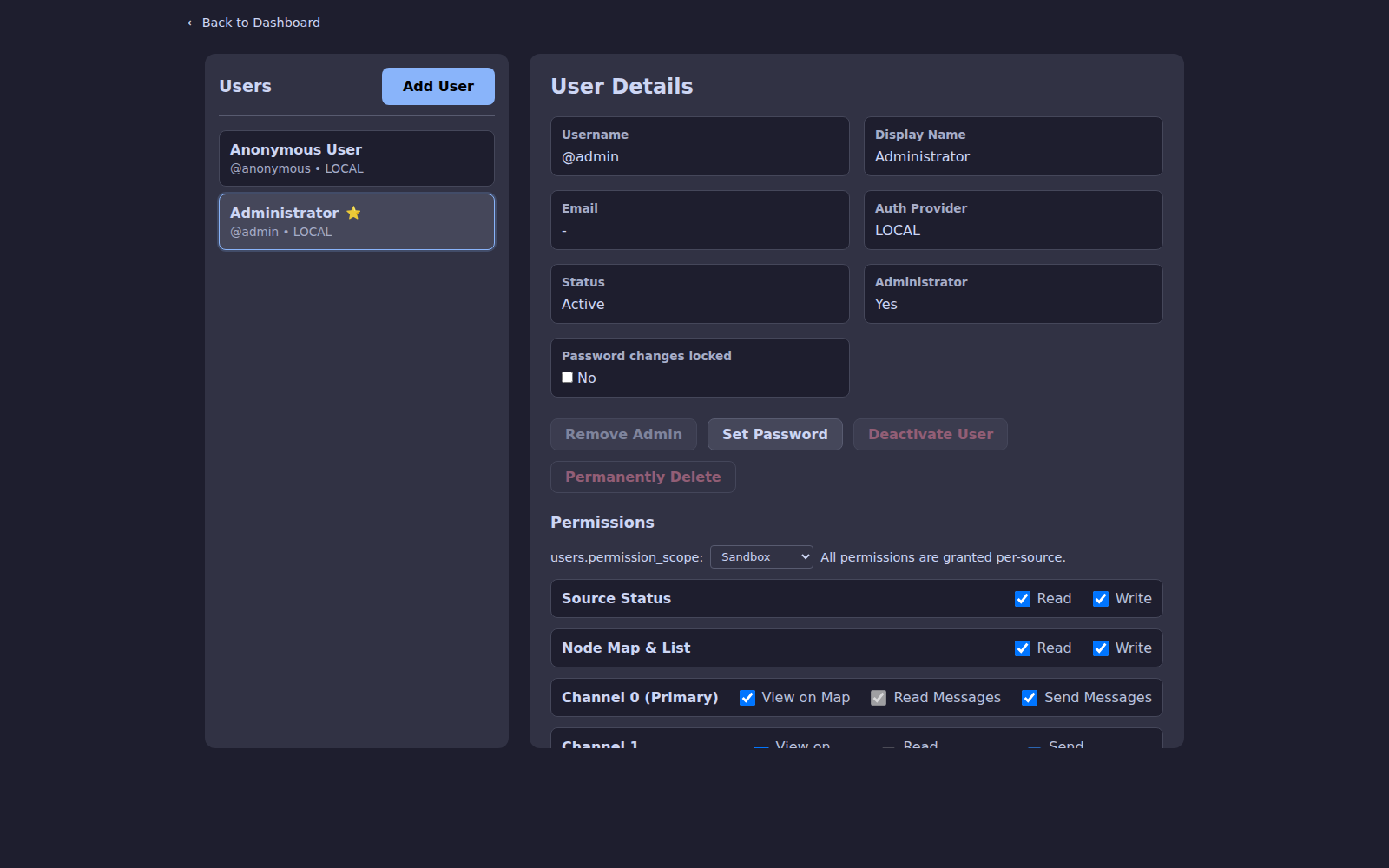
Settings → Users (admin only) is the central management page. Admins can:
- Invite new local users or import SSO users
- Assign or revoke per-source access
- Reset passwords and MFA
- View per-user audit history
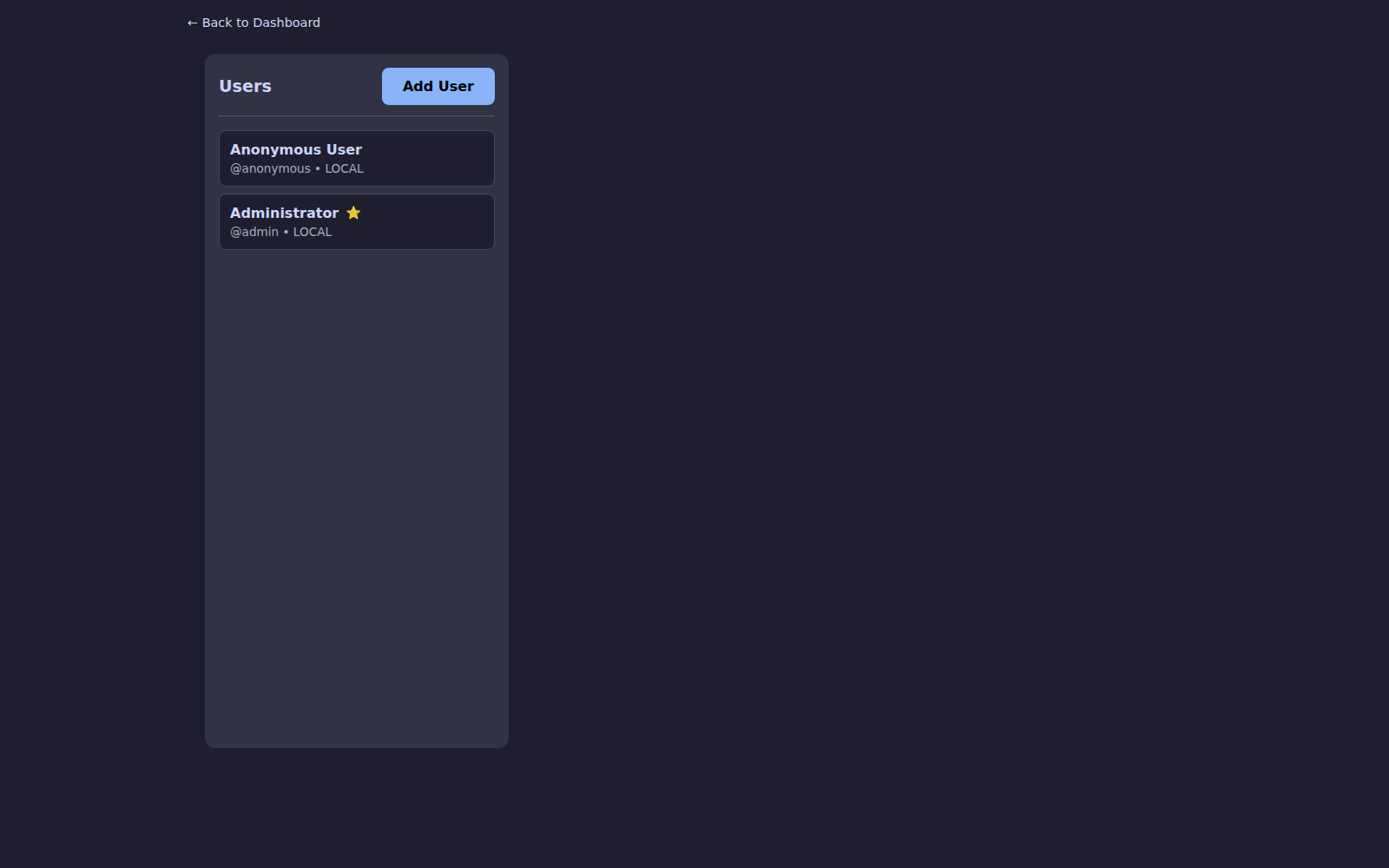
Select a user to edit their permission scope and per-channel access across every source:
Authentication options
| Method | Notes |
|---|---|
| Local accounts | Default — username + password + optional TOTP |
| MFA / TOTP | Per-user; enforced by admin or opt-in |
| SSO / OIDC | Enterprise login — see SSO Setup |
| API tokens | Per-user tokens with scoped permissions for scripts and integrations |
Anonymous access can be toggled globally (DISABLE_ANONYMOUS=true) and is recommended for any internet-facing deployment.
Security hardening
Starting in 4.0 the URL-hash bypass is closed — permission-gated tabs redirect unauthorized users instead of silently rendering the tab. Time-offset checks on session cookies and traceroute responses block replay attacks.
Notifications
Notification preferences (push and Apprise) also respect source scoping. Admins receive alerts for sources they administer, and orphaned per-source preferences are cleaned up automatically when a user loses access.