

Per-Source Permissions
New in 4.0
Permissions in 4.0 are scoped per-source. A user can be admin on one source, read-only on another, and blocked from a third. Admin-managed Users and a dedicated Users page round out the access model.
Overview
Each source is its own permission domain. Resources that belong to a source (nodes, messages, telemetry, traceroutes, schedulers, auto-responder, packet monitor, etc.) inherit that source's access rules.
Global resources (themes, language, global settings, user management) are governed by separate global permissions.
Permission model
Each row in the permissions table grants a user a set of action flags on a resource, optionally scoped to a source. The flags stored in the database are:
| Flag | Meaning |
|---|---|
canRead | View data for that resource |
canWrite | Send messages, edit settings, trigger actions |
canViewOnMap | See a node / channel on the map (independent of canRead) |
canDelete | Delete messages or resource rows (PostgreSQL / MySQL only — SQLite treats canWrite as delete-eligible) |
Resources cover per-source items like messages, nodes, channels, schedulers, and admin-command surfaces, plus global items like users, settings, audit log, and system backup. When a resource is source-scoped, the row also carries a sourceId so the same user can have different rights on different sources.
MeshCore map positions honor canViewOnMap (4.14.1)
MeshCore contact positions used to be returned to anyone with nodes read access. They now require canViewOnMap on that source, matching how Meshtastic nodes have always behaved — so a user granted read-only access can see the contact list without learning where those nodes are. Existing users are backfilled on upgrade: anyone who already had nodes read on a MeshCore source keeps map visibility, so nothing disappears for current accounts. New grants must set the flag explicitly.
What a grant covers
A grant on one source never opens another. Since 4.17 every route that acts on a source checks your grant on that source, and so does live data:
- Live updates. Each event the browser receives over the WebSocket (new messages, node updates, telemetry, traceroutes) is checked against your grants for the source it came from. A change to your grants takes effect without a new login.
- Views that span sources. Unified Messages, the dashboard and the map leave out rows from sources you cannot read. A cross-source "heard here" link names two sources, so you see it only when you can read both.
- Source settings. A non-admin with
sources:writecan edit a source, but stored passwords, keys and tokens are left out of what they are sent, and URLs lose their credentials. Saving the form keeps the stored secrets. - Admin only. Restarting MeshMonitor and install-wide jobs need an admin account, whatever per-source grants a user holds.
Users page
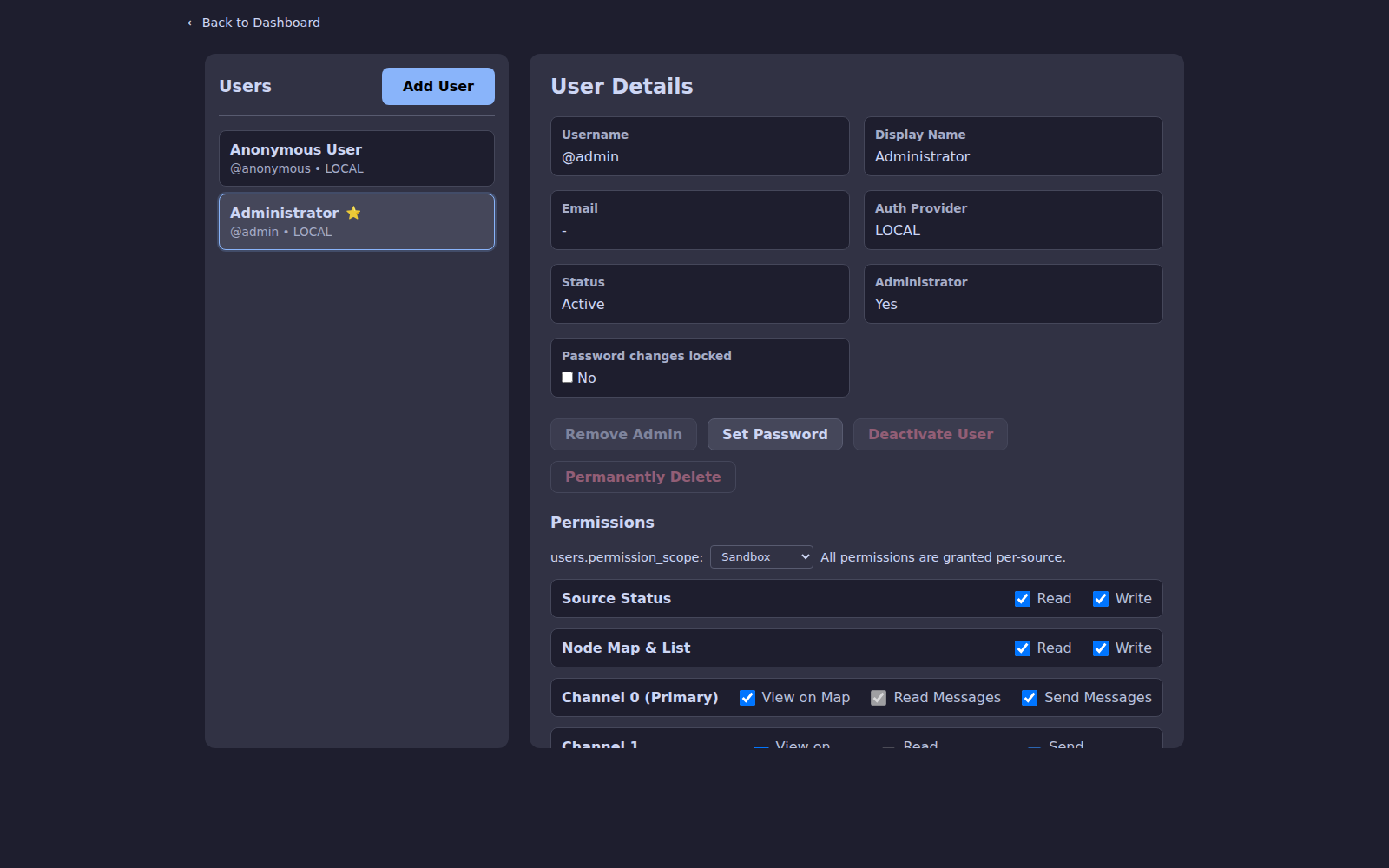
Settings → Users (admin only) is the central management page. Admins can:
- Invite new local users or import SSO users
- Assign or revoke per-source access
- Reset passwords and MFA
- View per-user audit history
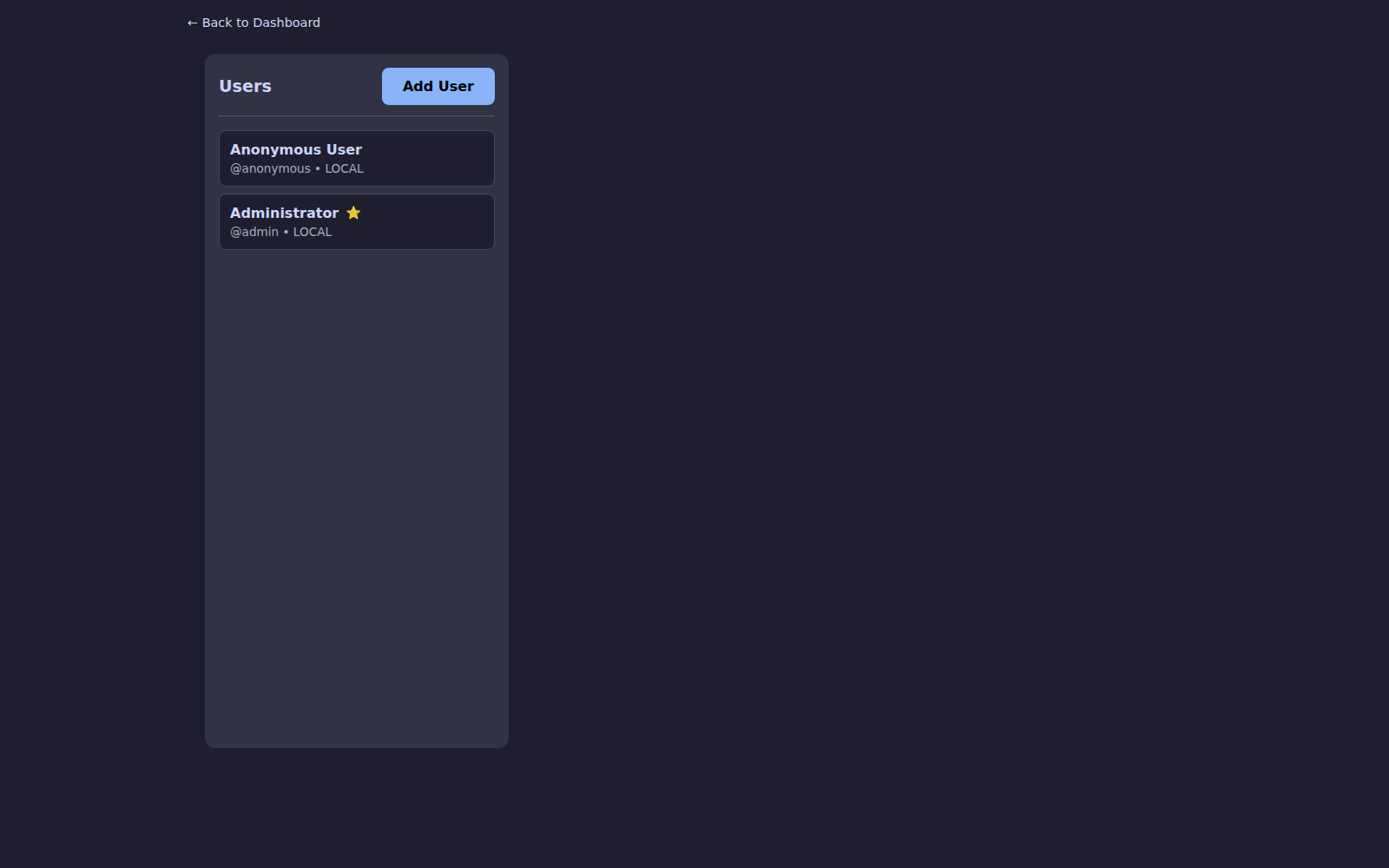
Select a user to edit their permission scope and per-channel access across every source:
Traceroute read and write
The traceroute row on the Users page has separate Read and Write boxes:
- Read shows traceroutes and route data: the Traceroute Explorer, route history, route segments and the map's route lines.
- Write lets the user send traceroutes and NeighborInfo requests over the mesh, and run Trace Path on a MeshCore contact.
Grant Read alone for a public, view-only explorer: visitors see the routes but cannot put traffic on the mesh. Before 4.17.1 the row had one "Can Initiate Traceroutes" box that set both.
MeshCore Trace Path moved to traceroute write
MeshCore Trace Path used to need nodes write. It now needs traceroute write, like a Meshtastic traceroute. On upgrade, every user with nodes write on a source gets traceroute write on that source, so nobody loses the button.
Traceroute records
On the Info tab, the Longest Active Route Segment and Record Holder Route Segment cards need traceroute read access on the source. Clear Record needs traceroute write access on the source. Older versions used info for these cards. That permission applies across all sources, so it could not limit them to one. See Transport Breakdown.
Authentication options
| Method | Notes |
|---|---|
| Local accounts | Default — username + password + optional TOTP |
| MFA / TOTP | Per-user; enforced by admin or opt-in |
| SSO / OIDC | Enterprise login — see SSO Setup |
| API tokens | Per-user tokens with scoped permissions for scripts and integrations |
Anonymous access can be toggled globally (DISABLE_ANONYMOUS=true) and is recommended for any internet-facing deployment.
Security hardening
Starting in 4.0 the URL-hash bypass is closed — permission-gated tabs redirect unauthorized users instead of silently rendering the tab. Time-offset checks on session cookies and traceroute responses block replay attacks.
Notifications
Notification preferences (push and Apprise) also respect source scoping. Admins receive alerts for sources they administer, and orphaned per-source preferences are cleaned up automatically when a user loses access.